Getting Started with IoT: A Practical Guide to Your First Smart Devices

Getting Started with IoT: A Practical Guide to Your First Smart Devices
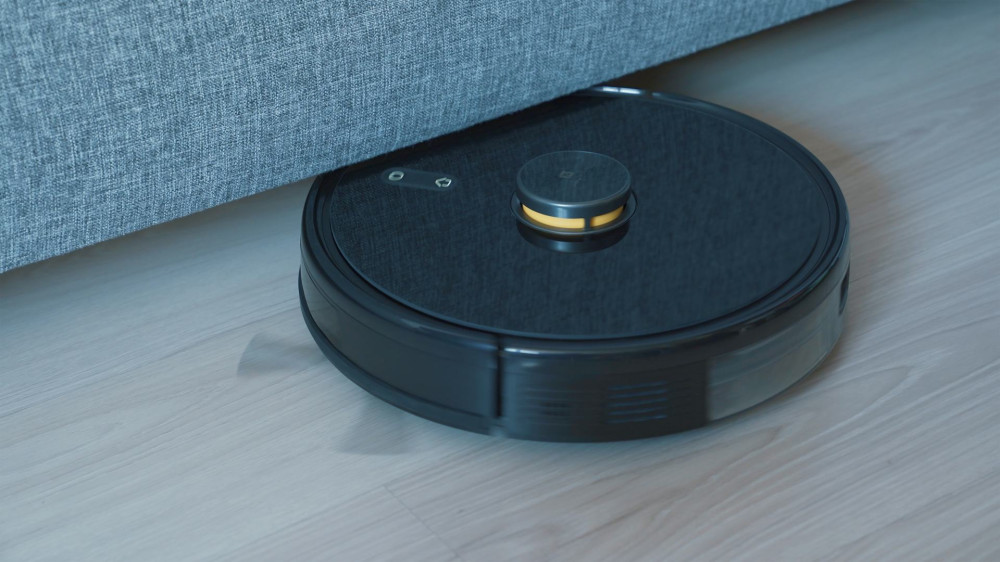
The Internet of Things – or IoT – refers to the growing network of devices that can connect to the internet and communicate with each other. From smart bulbs and thermostats to security cameras and robot vacuums, IoT makes everyday life more convenient, energy-efficient, and secure. But if you’re new to the world of smart technology, where do you begin? Here’s a practical guide to help you take your first steps into the IoT universe.
What Is IoT – and Why Does It Matter?
IoT is all about connecting physical devices to the internet so they can exchange data and be controlled digitally. That means you can turn on the lights with your voice, get a notification when the laundry is done, or adjust the temperature before you get home.
The benefits are clear:
- Convenience: Control your home from your phone, no matter where you are.
- Energy savings: Smart thermostats and sensors help reduce energy use.
- Security: Cameras and alarms give you peace of mind, even when you’re away.
- Automation: Routines can run automatically – for example, lights turning off when you leave the house.
In short, IoT makes daily life easier and more efficient, but it helps to plan your setup before diving in.
Læs også:


Start with a Purpose – Not with Everything at Once
It’s tempting to buy a bunch of smart gadgets right away, but the best approach is to start small. Think about what you want to achieve: do you want to save energy, improve security, or simply make life more convenient?
Here are some great starter projects:
- Smart lighting: Replace a few bulbs with smart LEDs that you can control via app or voice.
- Smart thermostat: Gain better control over heating and cooling while saving on energy bills.
- Smart plug: Turn ordinary appliances – like your coffee maker or lamp – into smart ones.
- Video doorbell or security camera: See who’s at your door and keep an eye on your home remotely.
Once you’ve tried one type of device, you’ll quickly get a feel for what makes sense to add next.
Choose an Ecosystem That Fits You
One of the most important early decisions is which ecosystem to build your smart home around. The most common options in the U.S. are:
- Amazon Alexa
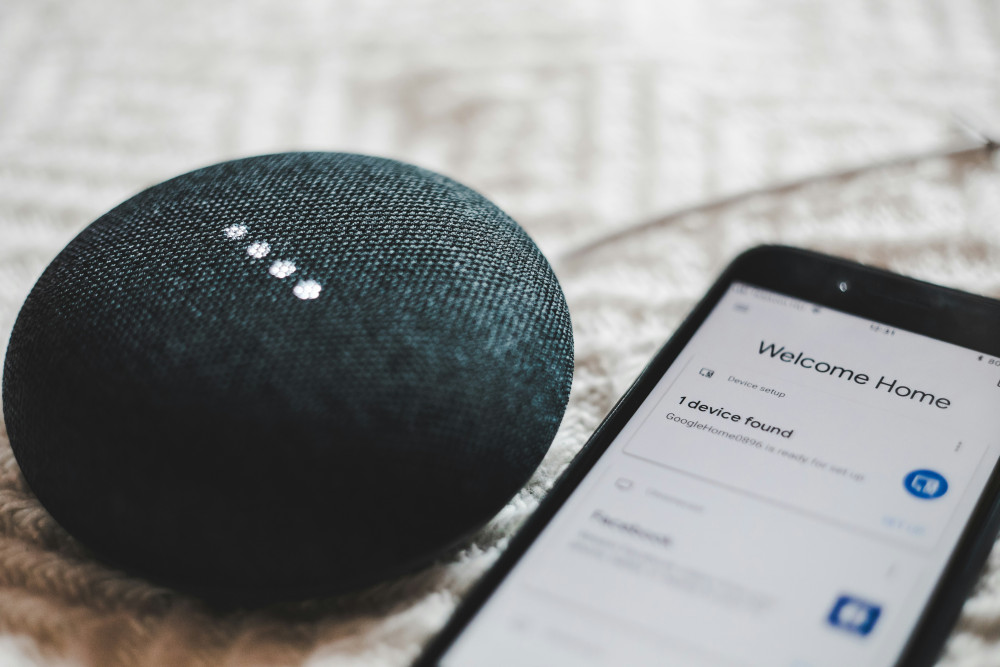
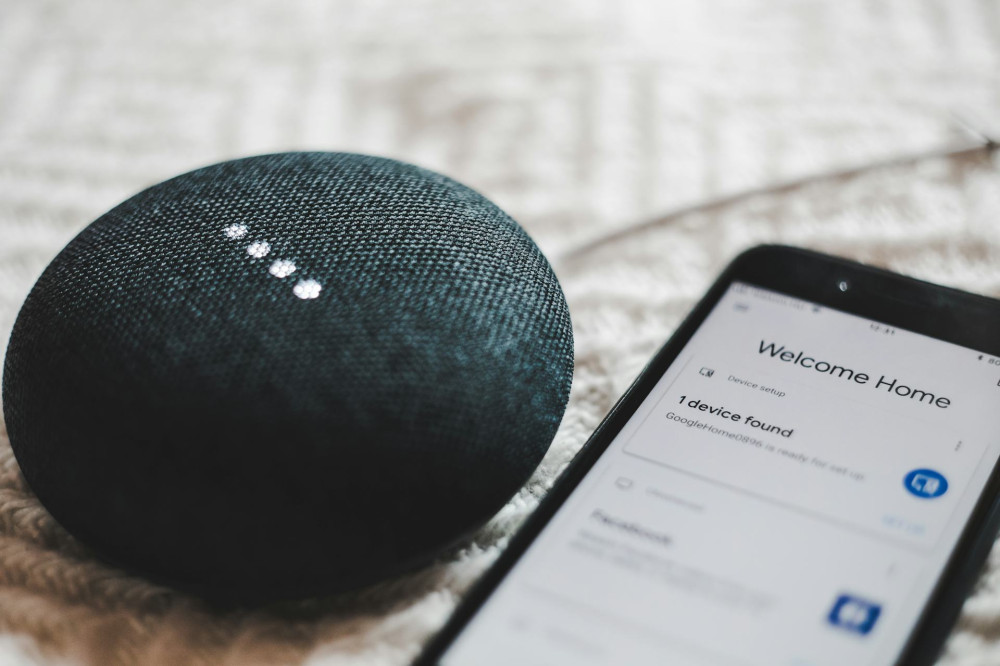
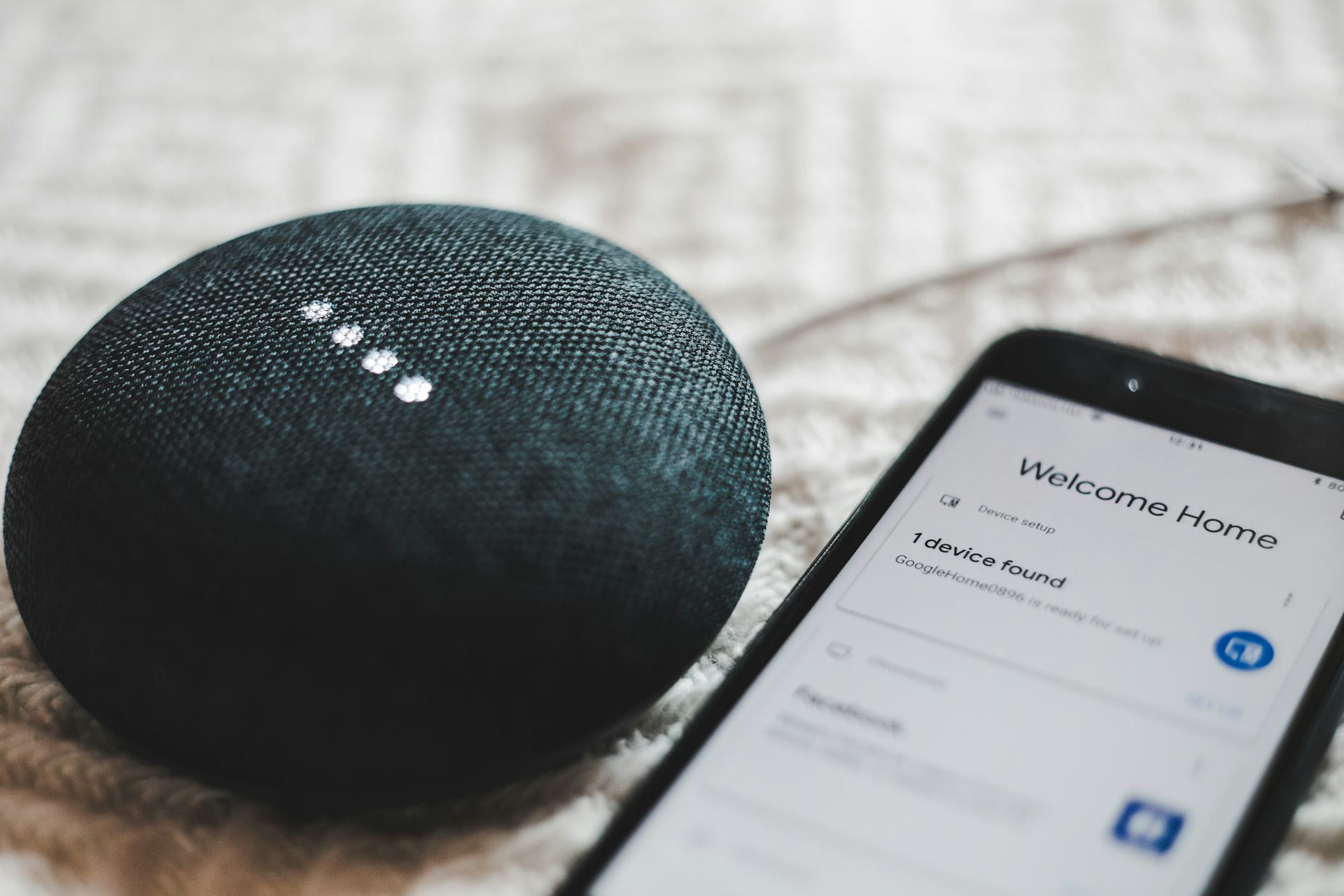
- Google Home
- Apple HomeKit
- Samsung SmartThings
These platforms act as the “brain” of your IoT setup, letting you control everything from one place. Consider what devices you already use – for example, an iPhone or an Android phone – and choose a system that fits naturally into your lifestyle.
It’s also worth checking whether the products you’re considering support Matter, a new universal standard that makes it easier for devices from different brands to work together.
Getting Started – Step by Step
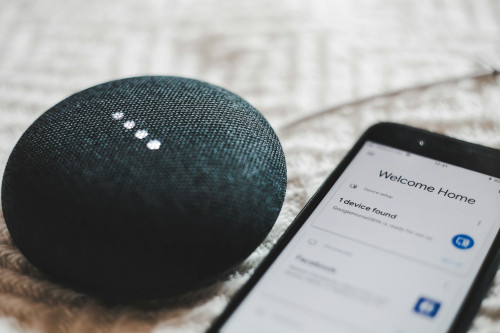
- Install the app for your chosen ecosystem (for example, Alexa or Google Home).
- Add your first device – follow the manufacturer’s instructions and make sure both your phone and the device are on the same Wi-Fi network.
- Name your device logically, such as “Living Room Lamp” or “Kitchen Plug.”
- Create rooms and groups so you can control multiple devices at once.
- Try voice control – it’s both practical and fun.
- Set up simple routines, like turning on the lights when you arrive home or lowering the thermostat at night.
Once you’ve set up your first devices, expanding your system will feel natural and intuitive.
Security: Protect Your Smart Home
IoT devices are convenient, but because they’re connected to the internet, security is essential. Follow these tips to keep your network and data safe:
- Change default passwords immediately.
- Keep devices updated – many manufacturers release security patches regularly.
- Use a strong Wi-Fi password and consider a separate network for IoT devices.
- Be mindful of data collection – check what information your devices gather and how it’s used.
A secure setup not only protects your privacy but also helps your devices run smoothly for years to come.
Make Everyday Life Smarter – One Step at a Time
Once you’ve mastered the basics, you can start experimenting with automations that fit your lifestyle. Examples include:
- Dimming the lights automatically when you start a movie.
- Having the coffee maker turn on when your alarm goes off.
- Using motion sensors to light up hallways at night.
This is where IoT really shines – when technology quietly works in the background to make your day flow more smoothly.
The Future of IoT – and Why You Should Stay Tuned
IoT is evolving fast. New standards, stronger security, and more energy-efficient solutions are making it easier than ever to create a connected, smart home. Even if you start with just a couple of devices, you’re joining a technological shift that’s shaping everything from home living to transportation and healthcare.
Getting started with IoT isn’t about having the latest gadgets – it’s about using technology to make your life a little smarter, a little safer, and a little more sustainable.
Læs også: