Work Wherever You Want: How to Use Your Devices for a More Flexible Work Life

Work Wherever You Want: How to Use Your Devices for a More Flexible Work Life
More Americans than ever are working outside the traditional office. Whether it’s from home, a coworking space, a coffee shop, or even an RV on the road, technology has made it possible to take your job with you. But to make remote or hybrid work truly effective, you need to use your devices wisely. Here’s how to build a flexible work life that fits your schedule and lifestyle.
Create Your Digital Workspace
When you work from multiple locations, your “office in the cloud” becomes essential. You should be able to access your files, meetings, and collaboration tools no matter where you are.
- Cloud storage – Use services like Google Drive, OneDrive, or Dropbox to store and share documents. This keeps your files safe and accessible, even if a device breaks or gets lost.
- Collaboration platforms – Tools like Microsoft Teams, Slack, or Zoom make it easy to stay connected with coworkers and clients across time zones.
- Device synchronization – Make sure your laptop, tablet, and smartphone are synced so you always have the latest versions of your files and notes.
A good digital workspace isn’t just about technology—it’s about organization. Create consistent folder structures, name files clearly, and use your calendar to manage meetings and deadlines.
Læs også:

Choose the Right Devices for Your Work Style
Flexible work calls for flexible devices. Think about how you balance mobility and performance.
- Laptop – The go-to workhorse for most professionals. Choose one with long battery life and a lightweight design if you’re often on the move.
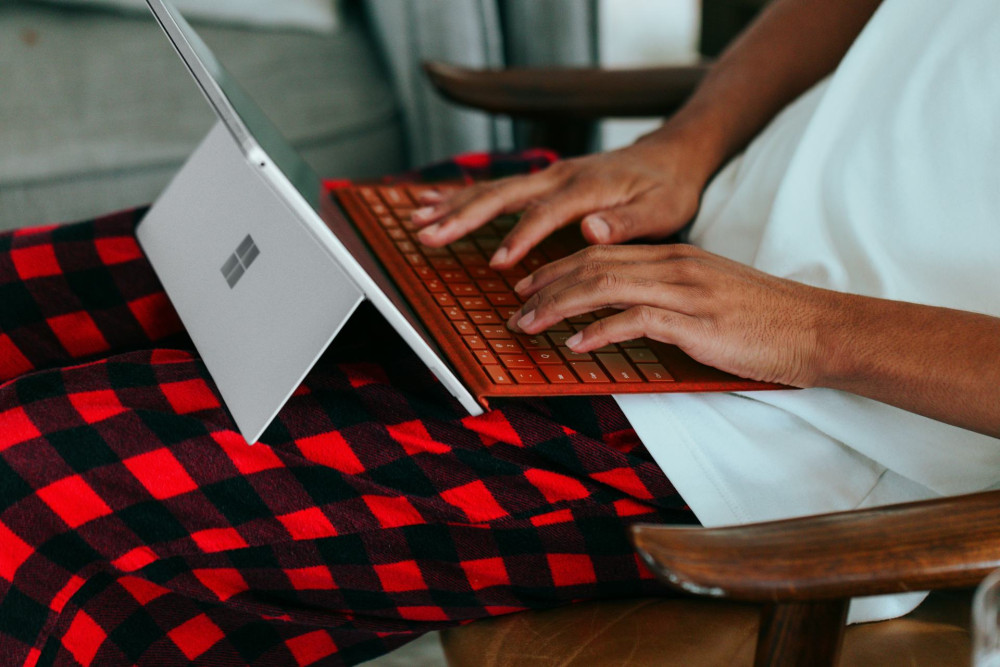
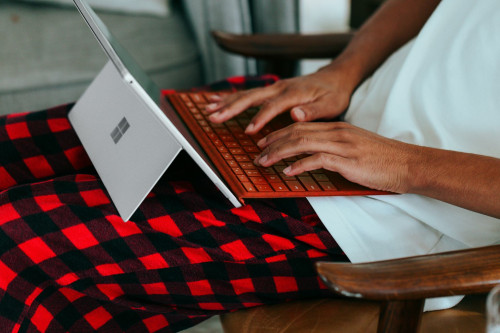
- Tablet – Great for meetings, note-taking, and light tasks. Add a keyboard and stylus, and it can often replace a laptop for short trips.
- Smartphone – Perfect for quick communication, calendar management, and on-the-go updates. Use it as a companion device rather than your main workstation.
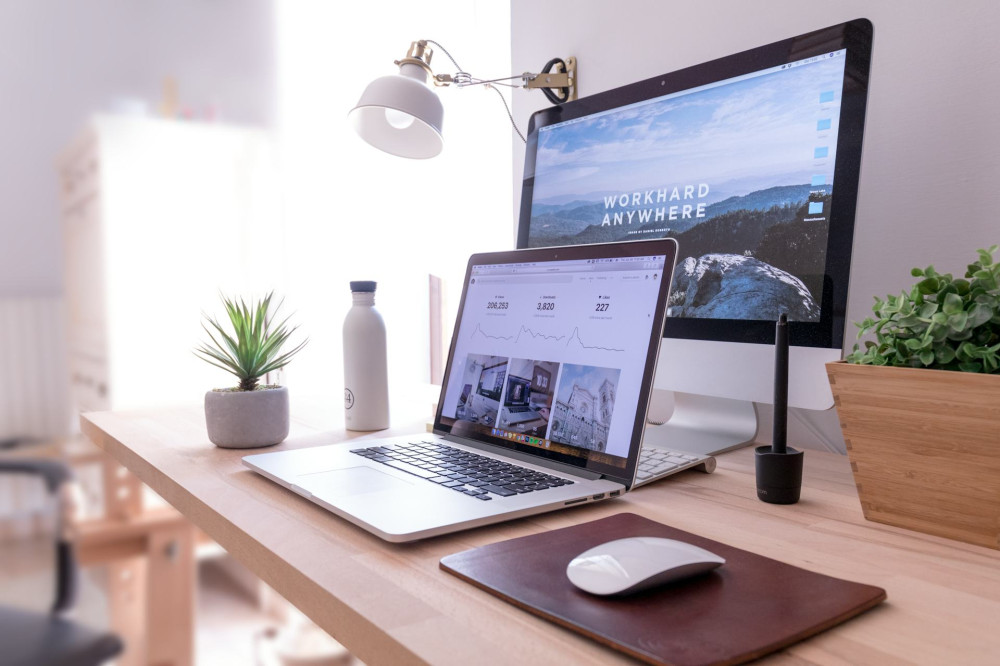
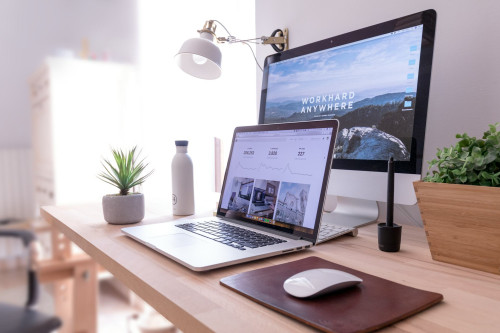
- Accessories – A quality headset, wireless mouse, and external monitor can make a big difference in comfort and productivity—especially when working from home.
The key is ensuring your devices work together seamlessly. Set up shared logins, cloud access, and mobile hotspots so you can stay connected anywhere.
Set Up Your Mobile Office
Even if you work flexibly, you still need a space where you can focus. That might be a corner of your living room, a desk in your bedroom, or a dedicated spot at your local library.
- Minimize distractions – Use noise-canceling headphones and make sure your workspace has good lighting.
- Stay organized – A tidy workspace helps you stay mentally clear and productive.
- Think ergonomics – Adjust your chair and screen height to avoid neck and shoulder strain.
If you often work from cafés or shared spaces, consider a portable monitor or foldable laptop stand to improve your posture and comfort.
Set Boundaries Between Work and Life
When your office can be anywhere, it’s easy for work to spill into your personal time. Setting boundaries helps you maintain balance and avoid burnout.
- Turn off work notifications outside of your set hours.
- Create routines that signal the end of the workday—like a short walk or a change of clothes.
- Use separate accounts or apps for work and personal life to keep your focus clear.
A flexible work life isn’t about working all the time—it’s about working when it makes the most sense for you.
Stay Secure on the Go
Working from different locations means paying extra attention to data security. Public Wi-Fi and shared devices can pose risks if you’re not careful.
- Use a VPN (Virtual Private Network) to protect your internet connection.
- Enable two-factor authentication on all important accounts.
- Keep your devices updated with the latest software and security patches.
- Always lock your screen when stepping away, even for a moment.
Security doesn’t have to be complicated—it just needs to be consistent.
Flexibility as the Future of Work
Flexible work is no longer a perk—it’s becoming the norm for many professionals across the U.S. With the right digital tools and habits, you can build a work life that’s productive, balanced, and location-independent.
Ultimately, flexibility isn’t just about technology—it’s about trust, structure, and intentional choices. When you learn to use your devices as tools for freedom rather than sources of stress, you unlock the full potential of modern work.
Læs også: