Livestream Facing Headwinds? How to Handle Breaks and Technical Issues Live

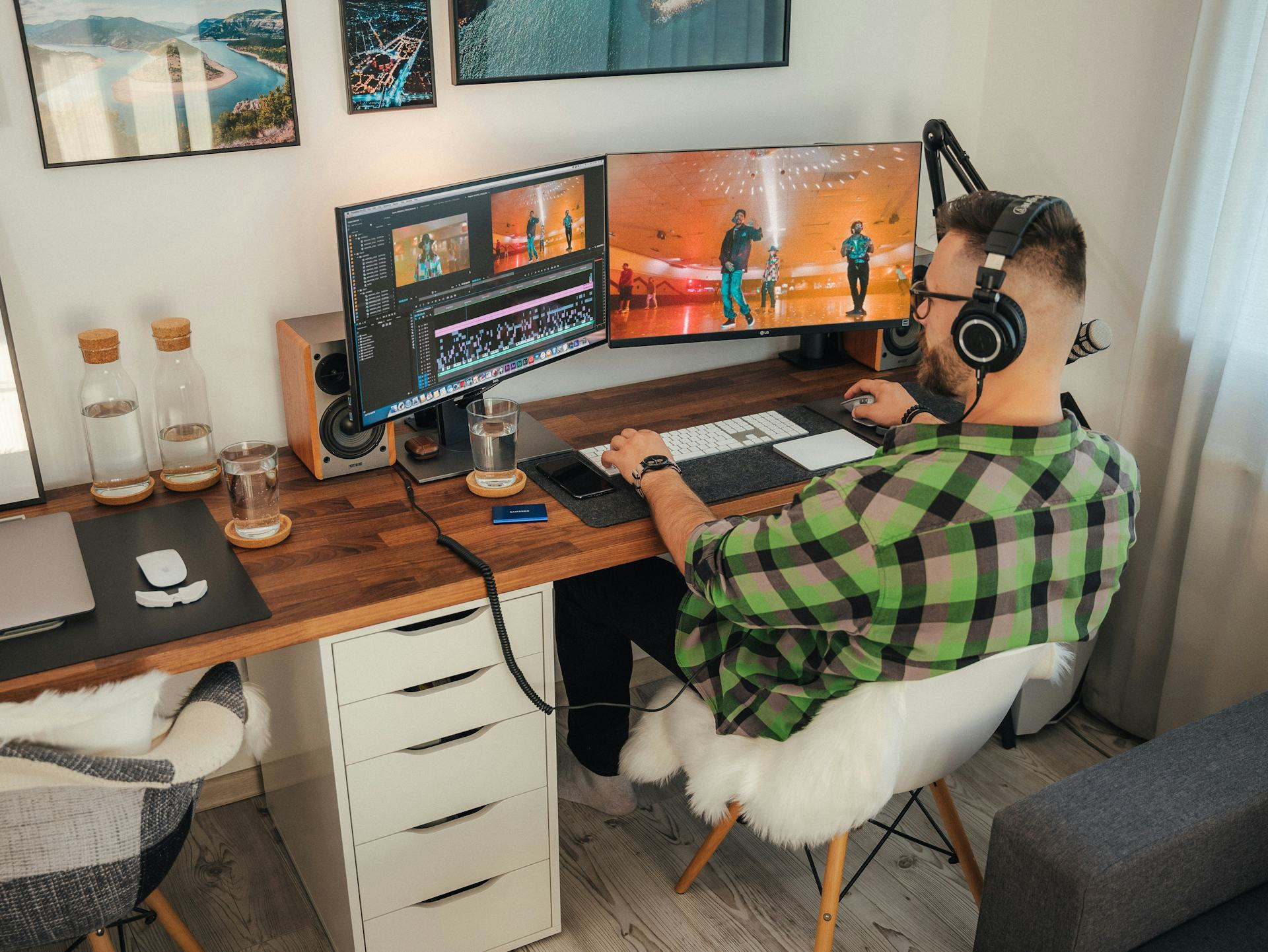
Livestream Facing Headwinds? How to Handle Breaks and Technical Issues Live
When you hit “Go Live,” there’s no undo button. Everything happens in real time — the great moments and the unexpected hiccups. Whether you’re streaming games, music, interviews, or just hanging out with your community, technical issues and unplanned breaks are bound to happen sooner or later. It’s part of the live experience. The key is how you handle them so your viewers stay engaged and you keep your cool. Here’s a guide to managing turbulence on your livestream — without losing your flow.
Preparation: The Best Cure for Panic
You can’t predict everything, but you can prepare for a lot. A stable setup and a backup plan make it much easier to handle problems when they arise.
- Test your gear before going live. Check your audio, camera, internet connection, and streaming software. A quick private test stream can reveal issues before your audience sees them.
- Create a checklist. Write down the essential steps before you go live — closing unnecessary apps, checking mic levels, confirming overlays, and verifying your stream key.
- Have backups ready. A spare microphone, an extra webcam, or a mobile hotspot can save your stream if something fails.
The more you have under control before you start, the more calmly you can react when something goes wrong.
Læs også:


When Tech Fails — Stay Calm and Communicate
A frozen screen, missing audio, or sudden disconnect can feel like a disaster in the moment. But for your viewers, it’s often less about the glitch itself and more about how you handle it.
- Explain what’s happening. Be honest and composed: “Looks like my audio’s acting up — give me a second to fix it.” It shows professionalism and builds trust.
- Use your chat. Your viewers can help you spot issues faster. Ask if they can hear you or if the video is lagging.
- Keep your tone light. A bit of humor can defuse tension. Most viewers have dealt with tech problems themselves and will understand.
If you need to restart your stream, post a quick update in chat or on social media so people know you’ll be back soon.
Breaks: Turn Downtime Into Part of the Experience
Even the most dedicated streamer needs a break — but how do you keep viewers from leaving while you grab a drink or fix a problem?
- Use a “Be Right Back” screen. A simple overlay with text and maybe some background music signals that you’ll return shortly.
- Play short clips or highlights. If you have past footage, let it run during your break to keep viewers entertained.
- Communicate clearly. Tell your audience how long you’ll be gone. A clear message like “Back in 5 minutes” makes a big difference.
Breaks can actually strengthen your stream if you use them intentionally — they give both you and your audience a moment to breathe.
Learn From Mistakes — and Use Them to Improve
After a rough stream, it’s tempting to just move on. But the best streamers treat mistakes as opportunities to grow.
- Review your VOD. Watch the recording to see what went wrong and how you can prevent it next time.
- Upgrade your setup. Maybe it’s time for a better cable, a UPS battery backup, or a more reliable internet plan.
- Create a “crisis plan.” Write down what to do if your audio cuts out or your game crashes. Having a plan helps you act fast when it happens again.
Showing that you learn and improve can even strengthen your connection with viewers — they’ll appreciate seeing your progress.
Remember: Perfection Doesn’t Exist Live
A livestream is exciting precisely because it’s unpredictable. It’s real, spontaneous, and human. Small mistakes and pauses don’t make you less professional — they make you more authentic.
The most important thing is to stay calm, communicate openly, and show that you’re in control, even when the tech isn’t cooperating. Your viewers will remember your personality and composure — not the few seconds of silence.
Læs også: